How to Find Newly Added Movies on OnStream
One of the best things about using OnStream is discovering fresh entertainment. New movies are added regularly, giving users more options to watch the latest releases and popular titles. However, if you’re new to the app, you may wonder how to quickly find newly added movies without scrolling through the entire library.
In this guide, you’ll learn the easiest ways to discover recently added movies on OnStream and make sure you never miss new content.
Why Look for Newly Added Movies?
Checking the latest additions helps you:
- Watch recently added titles.
- Discover trending movies.
- Find new genres to explore.
- Stay updated with fresh entertainment.
- Avoid watching the same content repeatedly.
Regularly browsing new additions keeps your watchlist exciting.
Check the Home Screen
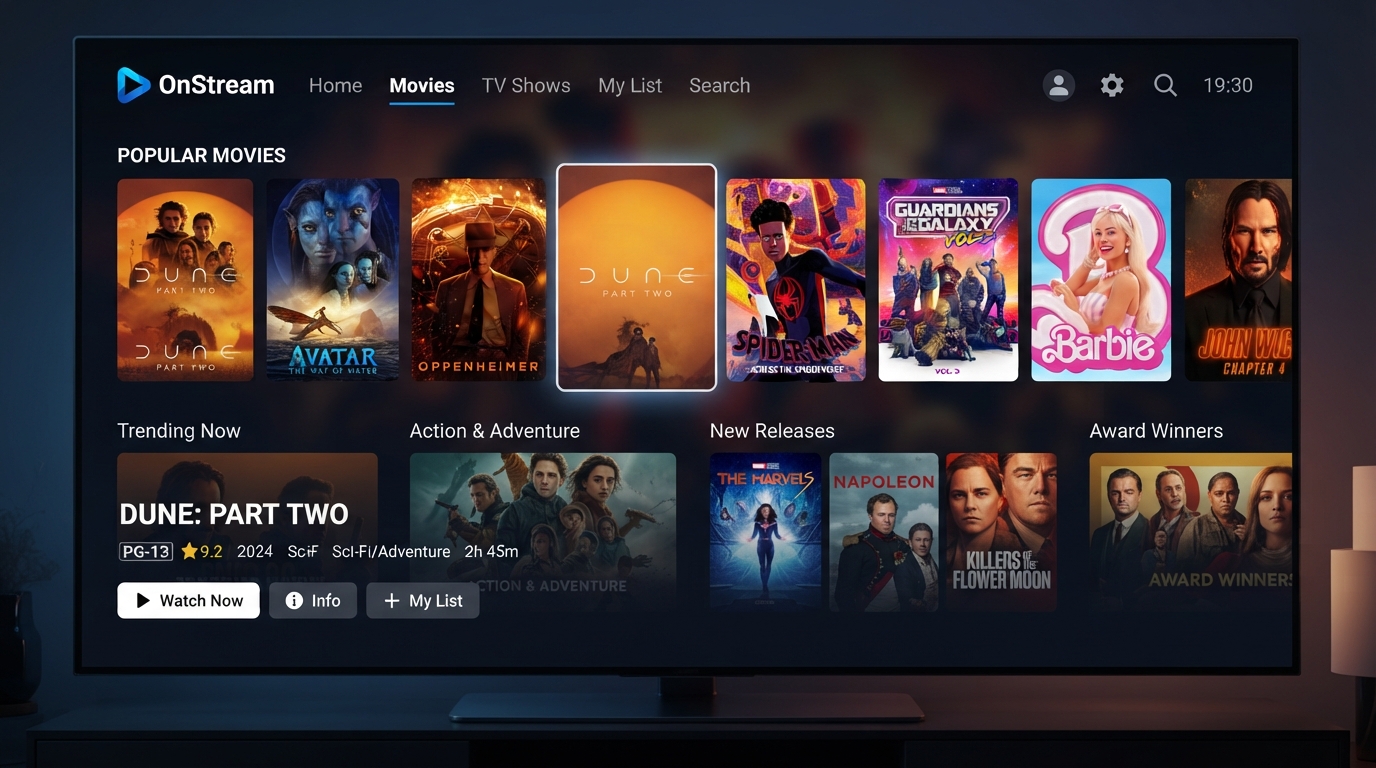
The OnStream home screen is usually the first place to look for new content.
After opening the app, browse sections such as:
- Recently Added
- New Movies
- Trending Now
- Popular Movies
- Featured Content
These categories are often updated to highlight fresh additions.
Browse Movie Categories
If you don’t immediately see a “Recently Added” section, explore the available movie categories.
Depending on the app version, you may find categories like:
- Action
- Comedy
- Drama
- Horror
- Adventure
- Animation
- Science Fiction
- Romance
Browsing different categories can help you discover movies that have recently been added.
Use the Search Feature
The search tool is one of the quickest ways to find specific movies.
You can search by:
- Movie title
- Actor or actress
- Director
- Genre
- Release year
If you’ve heard about a newly released movie, simply enter its name in the search bar to check if it’s available.
Explore Trending Movies
Trending sections often include titles that have recently become popular among users.
These lists may feature:
- Recently released movies
- Popular action films
- Top-rated dramas
- Family favorites
- Animated movies
Checking the trending section regularly is a great way to discover new entertainment.
Add Movies to Your Watchlist
When you find a movie you’re interested in but don’t have time to watch, add it to your watchlist.
A watchlist helps you:
- Save movies for later.
- Organize your favorites.
- Quickly access planned viewing.
- Avoid searching for the same title again.
Keeping your watchlist updated makes it easier to manage new discoveries.
Check After App Updates
Developers often improve the content browsing experience with new app updates.
After updating OnStream:
- Browse the home screen.
- Explore featured collections.
- Check recommended movies.
- Review recently updated categories.
New versions may also introduce interface improvements that make discovering content easier.
Refresh the App
If you think new movies are missing, try refreshing the app.
You can:
- Close and reopen OnStream.
- Restart your device.
- Ensure you have a stable internet connection.
Refreshing helps the app load the latest available content.
Keep the App Updated
Using the latest version of OnStream ensures you receive the newest features and compatibility improvements.
An updated app may provide:
- Better content organization
- Improved search performance
- Faster loading
- Enhanced browsing experience
- Bug fixes
Updating regularly can improve how new movies are displayed.
Use a Stable Internet Connection
A slow internet connection may prevent the app from loading the latest content properly.
For the best experience:
- Connect to a reliable Wi-Fi network.
- Restart your router if needed.
- Avoid heavy downloads while streaming.
- Ensure your internet speed is stable.
A strong connection helps the app refresh its content library more quickly.
Explore Different Genres
Sometimes the best way to discover newly added movies is by browsing genres you don’t normally watch.
Try exploring:
- Mystery
- Thriller
- Fantasy
- Crime
- Documentary
- Biography
- Adventure
- Family
You may find new titles you would have otherwise missed.
Check Recommendations
OnStream may display recommended content based on your viewing activity.
These recommendations can help you discover:
- Similar movies
- Popular titles
- Recently added films
- Trending genres
Recommendations are a convenient way to find something new without spending too much time searching.
Tips for Finding New Movies Faster
Use these simple tips to stay updated with the latest additions:
- Open OnStream regularly to check for updates.
- Keep the app updated to the latest version.
- Browse the “Recently Added” or “Trending” sections first.
- Use the search feature for specific movie titles.
- Save interesting movies to your watchlist.
- Explore different genres to discover hidden gems.
What If New Movies Don’t Appear?
If you don’t see recently added content:
- Restart the app.
- Clear the app cache.
- Check your internet connection.
- Update OnStream to the latest version.
- Wait a while and try again if the app is undergoing maintenance or refreshing its content.
In some cases, new content may become available gradually, so it might not appear for every user at the same time.
Final Thoughts
Finding newly added movies on OnStream is easy once you know where to look. By checking the home screen, browsing featured categories, using the search function, exploring trending titles, and keeping the app updated, you can quickly discover fresh entertainment. Combine these tips with a stable internet connection and a well-organized watchlist to make the most of your OnStream streaming experience.