Is OnStream Available on the Official Google Play Store?
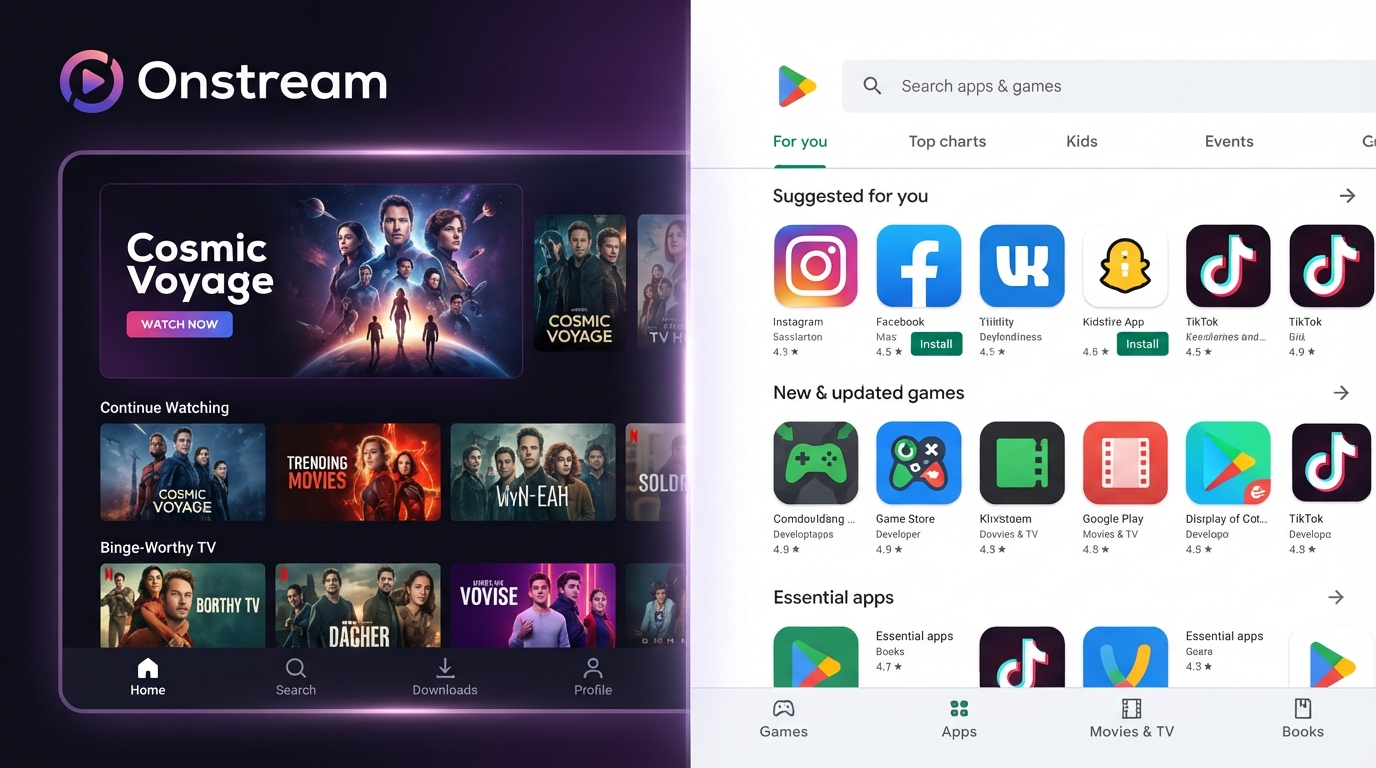
Many users searching for the OnStream app wonder whether it can be downloaded from the official Google Play Store. Since the Play Store is the most trusted source for Android apps, it’s natural to look there first before installing any application.
In this article, we’ll explain whether OnStream is available on the Google Play Store, why some apps aren’t listed there, and how to stay safe when downloading Android applications.
Can You Download OnStream from the Google Play Store?
At the time of writing, OnStream is not available on the official Google Play Store. This means you won’t find the app by searching the Play Store on your Android phone or tablet.
Because it isn’t listed on the Play Store, users who choose to install OnStream typically download the APK file from other sources.
Why Isn’t OnStream on the Play Store?
There are several reasons why an Android app may not appear on the Google Play Store. For example:
- The developer may choose to distribute the app independently.
- The app may not meet all Play Store publishing requirements.
- The developer may target a limited audience through direct downloads.
- The app may have been removed or never submitted for publication.
Unless the developer provides an official explanation, the exact reason cannot be confirmed.
What Is an APK File?
An APK (Android Package Kit) is the installation file format used by Android devices. When an app isn’t available through the Play Store, users can manually install it using its APK file.
Before installing any APK, it’s important to:
- Verify the source.
- Download the latest version.
- Check the file for malware using a reputable security scanner.
- Avoid modified or unofficial versions.
How to Install an APK Safely
If you decide to install an APK, follow these general safety practices:
- Download the APK from a trusted website.
- Scan the file with a reputable antivirus app.
- Enable Install Unknown Apps only for the installer you’re using.
- Install the application.
- Disable the permission for installing unknown apps afterward if you no longer need it.
These steps help reduce the risk of installing unwanted or malicious software.
Benefits of the Google Play Store
The Google Play Store is popular because it provides several security and convenience features.
Some of its advantages include:
- Automatic app updates
- Built-in security scanning through Google Play Protect
- Verified developer accounts
- User ratings and reviews
- Easier app management
- Integrated update notifications
These features help users install and maintain apps more safely.
Check App Permissions Before Installing
Whether you install an app from the Play Store or another source, always review the permissions it requests.
Look for permissions related to:
- Storage
- Notifications
- Media access
- Network connectivity
If an app requests permissions that don’t seem necessary for its purpose, review them carefully before granting access.
Keep OnStream Updated
If you use OnStream outside the Play Store, you’ll generally need to update it manually whenever a new version is released.
Using the latest version can help:
- Improve performance
- Fix software bugs
- Enhance compatibility
- Address security issues
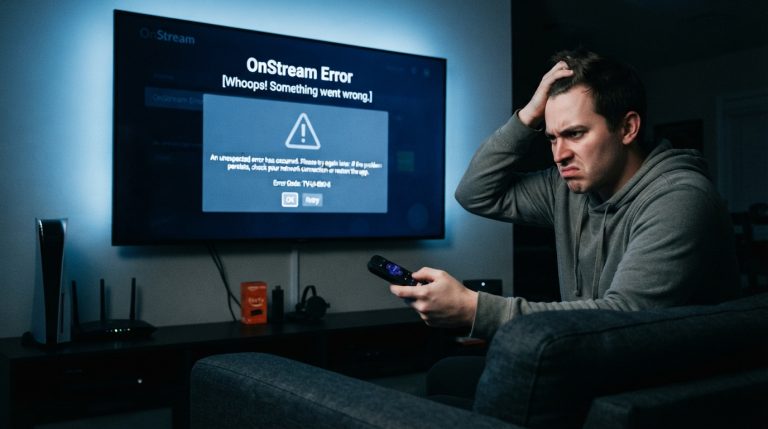
Regular updates also help reduce the likelihood of app crashes and playback problems.
Avoid Unofficial Modified Versions
Some websites distribute modified versions of Android apps with extra features.
These versions may also include:
- Malware
- Spyware
- Unwanted advertisements
- Hidden background processes
- Security vulnerabilities
Using the standard version from a trusted source is generally a safer choice than installing modified APKs from unknown websites.
Enable Google Play Protect
Google Play Protect helps scan apps for potentially harmful behavior.
To improve your device’s security:
- Keep Google Play Protect enabled.
- Install Android security updates.
- Remove applications you no longer use.
- Review installed apps periodically.
These habits contribute to a more secure Android experience.
Tips for Downloading Android Apps Safely
Follow these best practices whenever you install an Android app:
- Download from trusted sources whenever possible.
- Read user reviews if available.
- Keep your device updated.
- Use a reputable mobile security app.
- Avoid suspicious download pages.
- Review app permissions before installation.
- Keep enough free storage on your device.
- Delete unused applications regularly.
Should You Wait for a Play Store Release?
If you prefer downloading apps only through the Google Play Store, you may choose to wait and monitor whether the developer publishes an official Play Store version in the future.
Until then, always exercise caution when downloading APK files and verify that the source is trustworthy.
Final Thoughts
Although OnStream is currently not available on the official Google Play Store, many Android users install it by downloading its APK from external sources. If you choose this approach, prioritize your security by downloading only from reputable websites, scanning the APK before installation, reviewing app permissions, and keeping both the app and your Android device up to date. Following these best practices helps reduce security risks and provides a safer streaming experience.