Common Streaming Issues on OnStream and How to Fix Them
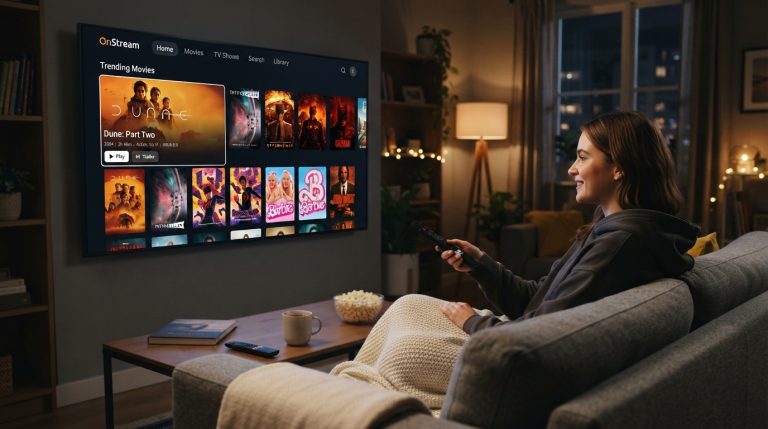
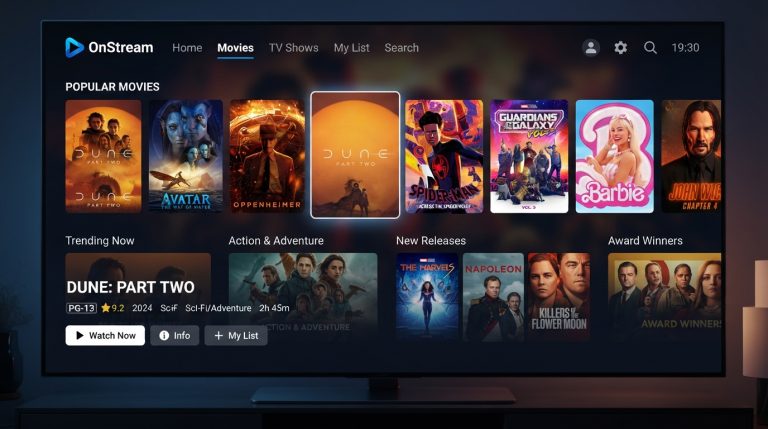
OnStream is a popular streaming app that allows users to watch movies and TV shows on Android smartphones, Android TV, Firestick, and other compatible devices. While the app generally provides a smooth viewing experience, users may occasionally encounter streaming issues such as buffering, playback errors, loading problems, or poor video quality.
The good news is that most of these problems can be resolved with a few simple troubleshooting steps. This guide explains the most common OnStream streaming issues, their possible causes, and practical solutions to help you enjoy uninterrupted entertainment.
Why Do Streaming Issues Occur on OnStream?
Streaming problems can happen for several reasons, including:
- Slow or unstable internet connection
- Temporary server issues
- Outdated version of the app
- Corrupted cache files
- Low device storage
- High network traffic
- Device compatibility problems
- Background apps consuming system resources
Identifying the cause of the issue is the first step toward fixing it.
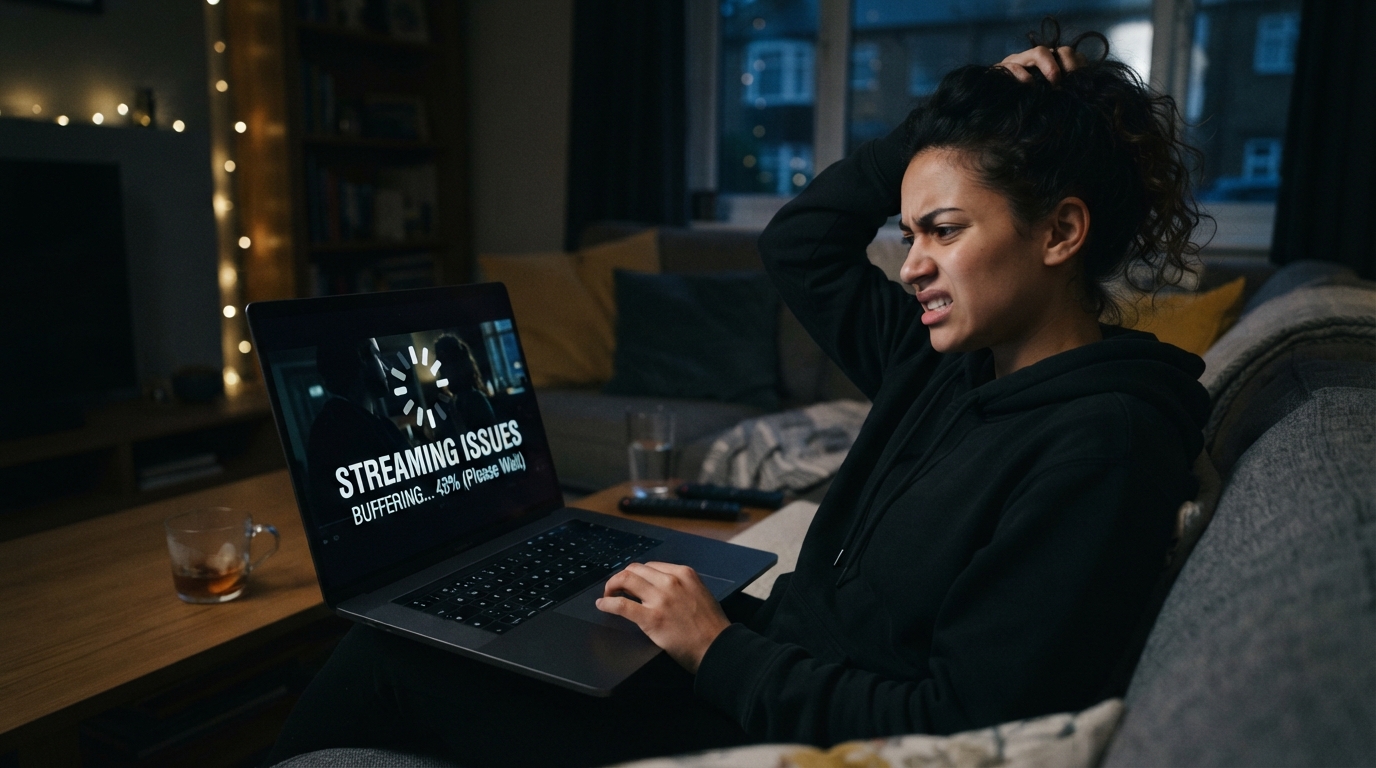
Buffering While Watching Videos
Buffering is one of the most common issues users experience.
Possible Causes
- Slow internet speed
- Weak Wi-Fi signal
- Network congestion
- Server delays
How to Fix It
- Restart your Wi-Fi router.
- Move closer to the router for a stronger signal.
- Switch to a faster internet connection.
- Pause the video for a few moments to allow buffering.
- Close other devices or apps using the same network.
A stable internet connection significantly reduces buffering.
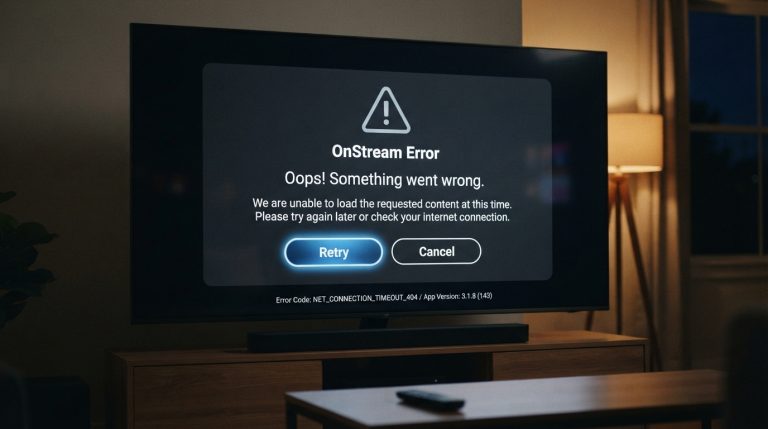
OnStream Stuck on the Loading Screen
Sometimes the app opens but remains on the loading screen.
Possible Causes
- Corrupted cache
- Temporary software bug
- Server maintenance
- Network interruption
How to Fix It
- Restart the app.
- Restart your device.
- Clear the app cache.
- Check your internet connection.
- Wait a few minutes and try again if the servers are busy.
Playback Error
You may occasionally see messages indicating that a video cannot be played.
Possible Causes
- Temporary server issues
- Corrupted app data
- Outdated app version
- Unstable internet connection
How to Fix It
- Update OnStream to the latest version.
- Clear app data.
- Restart the app.
- Try another title to determine whether the issue affects all content.
- Retry after some time.
Poor Video Quality
Videos may not always stream in HD or Full HD.
Possible Causes
- Slow internet speed
- Automatic quality adjustment
- Network congestion
How to Improve Video Quality
- Connect to a faster Wi-Fi network.
- Reduce the number of devices using your connection.
- Restart your router.
- Ensure your internet plan supports HD streaming.
Audio and Video Out of Sync
Sometimes the sound may not match the video.
How to Fix It
- Restart the stream.
- Restart the app.
- Update OnStream.
- Restart your device.
- Test another movie or TV show to see if the issue is content-specific.
Subtitle Problems
Users may encounter missing subtitles or subtitles that are out of sync.
Solutions
- Refresh the video.
- Choose another subtitle language if available.
- Update the app.
- Restart the stream.
Frequent App Crashes During Streaming
If the app crashes while watching content, the issue may be related to your device.
Possible Causes
- Low RAM
- Insufficient storage
- Corrupted cache
- Software bugs
Solutions
- Close background applications.
- Free up storage space.
- Clear the app cache.
- Restart your device.
- Reinstall the latest version of OnStream if needed.
Black Screen During Playback
A black screen can appear even though the audio continues playing.
Possible Causes
- Graphics rendering issues
- Corrupted app files
- Temporary software glitches
Solutions
- Restart the app.
- Restart your device.
- Update the app.
- Reinstall OnStream if the problem persists.
Movies or TV Shows Not Loading
Sometimes a selected title may never begin playing.
Possible Causes
- Server problems
- Poor internet connection
- Temporary content availability issues
Solutions
- Check your internet connection.
- Restart the app.
- Try another movie or TV show.
- Wait and try again later.
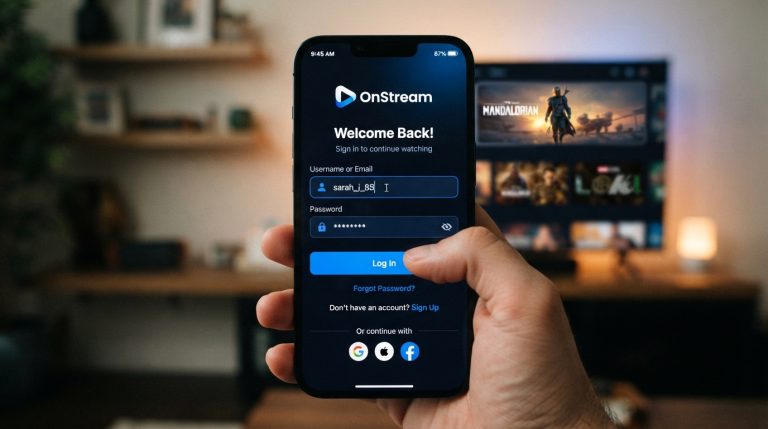
Login Issues Affecting Streaming
If you cannot sign in, streaming features may not work correctly.
Solutions
- Verify your login details.
- Restart the app.
- Check your internet connection.
- Update the app.
- Clear the app cache.
Streaming Issues on Android TV
Android TV users may notice buffering, freezing, or loading problems.
To improve performance:
- Restart your Android TV.
- Update the system software.
- Clear the OnStream cache.
- Ensure sufficient free storage.
- Keep the app updated.
Streaming Issues on Firestick
Firestick users can improve performance by:
- Restarting the Firestick.
- Clearing the app cache.
- Updating Fire OS.
- Closing unused background apps.
- Reinstalling OnStream if necessary.
Tips for Smooth Streaming
Following these best practices can improve your overall streaming experience:
- Use a fast and stable internet connection.
- Keep OnStream updated.
- Restart your device regularly.
- Clear cache files periodically.
- Close unnecessary background applications.
- Keep enough free storage available.
- Install system updates when available.
These simple maintenance steps help reduce streaming interruptions.
When to Wait Instead of Troubleshooting
Not every streaming issue is caused by your device. Sometimes temporary server maintenance or unusually high traffic can affect playback.
If you’ve already checked your internet connection, updated the app, and restarted your device, waiting 15 to 30 minutes before trying again may resolve the issue without any further action.
By understanding the common causes of streaming issues and following these troubleshooting steps, you can minimize interruptions and enjoy a smoother streaming experience with OnStream on Android phones, Android TV, Firestick, and other supported devices.