Is OnStream Safe to Use? Everything You Need to Know
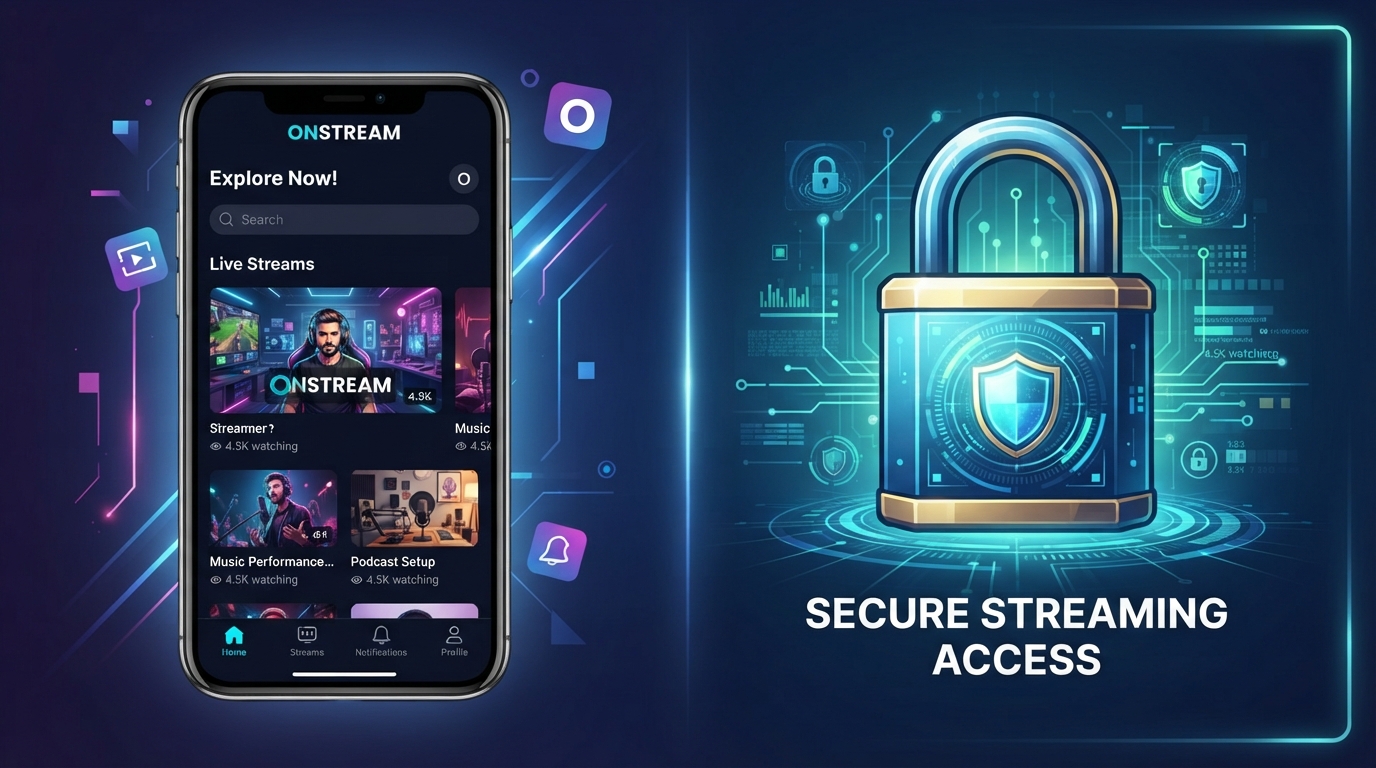
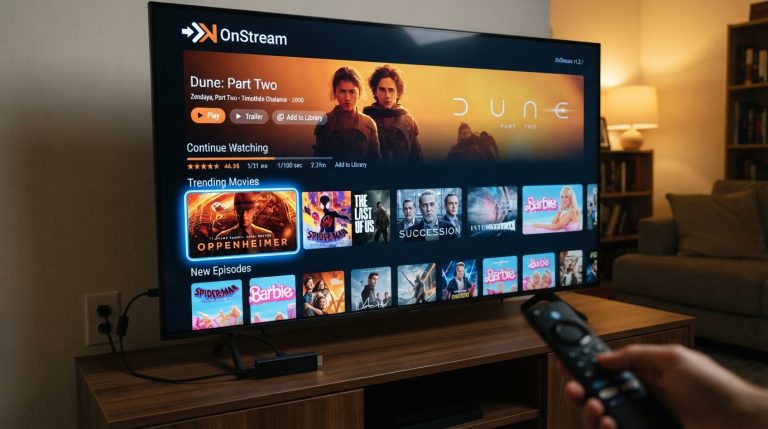
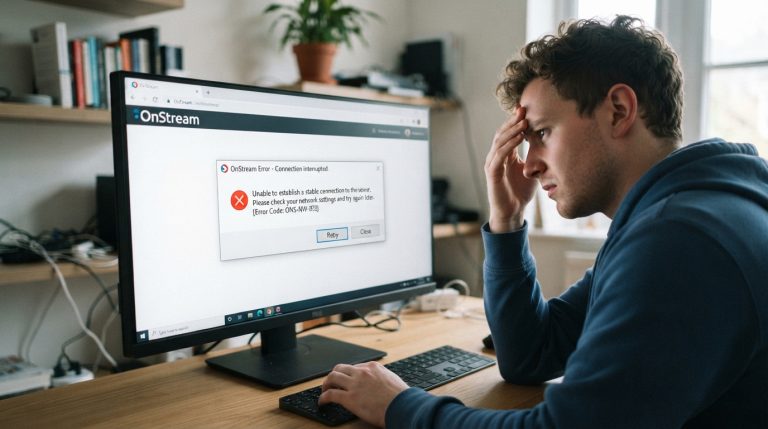
OnStream has become a popular streaming app among users who enjoy watching movies and TV shows on Android devices, Android TV, and Firestick. However, one of the most common questions people ask before installing the app is, “Is OnStream safe to use?”
The answer depends on several factors, including where you download the app, how you use it, and the security practices you follow. In this article, we’ll explain the security, privacy, and legal considerations you should know before using OnStream.
What Is OnStream?
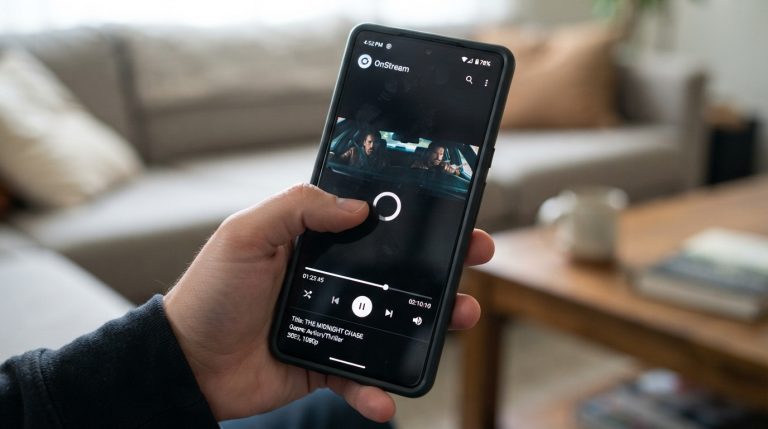
OnStream is a streaming application that provides access to a wide variety of entertainment content through an easy-to-use interface. It is designed for Android-based devices and offers features such as HD streaming, subtitle support, content search, and watch history.
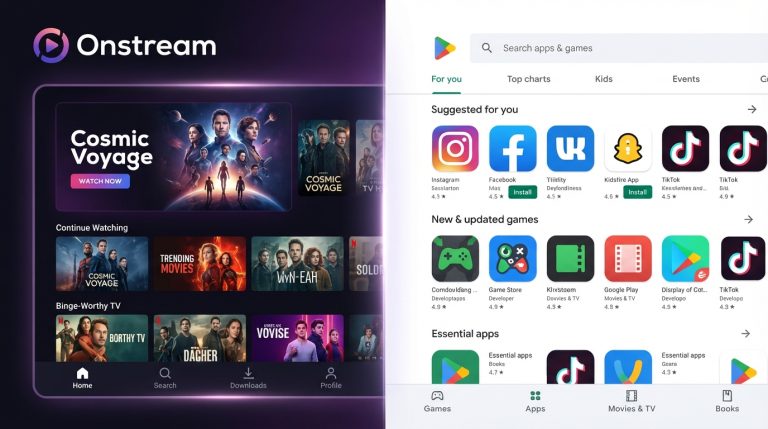
Since OnStream is distributed as an APK rather than through the Google Play Store, users should be cautious about where they obtain the installation file.
Is OnStream Safe for Your Device?
The app itself is not necessarily harmful, but its safety largely depends on the source of the APK.
If you download OnStream from an untrusted website, there is a risk that the APK could have been modified to include:
- Malware
- Spyware
- Adware
- Hidden trackers
- Other unwanted software
Downloading the latest version from a trusted source significantly reduces these risks.
Download Only from Trusted Sources
One of the most important safety tips is to avoid downloading APK files from unknown websites.
Before installing OnStream:
- Verify the website’s reputation.
- Avoid websites filled with misleading advertisements.
- Download the latest available version.
- Scan the APK with a reputable antivirus application before installation.
Using trusted sources helps reduce the chance of installing malicious software.
Review App Permissions
When installing any application, pay attention to the permissions it requests.
OnStream may require certain permissions for normal functionality, such as storage access for downloaded files or cached data.
If the app requests permissions that seem unrelated to streaming, review them carefully before granting access.
Keep the App Updated
Developers regularly release updates that improve performance and address software bugs.
Updating OnStream helps:
- Improve stability
- Fix known issues
- Enhance compatibility
- Strengthen security
Using an outdated version may expose you to bugs that have already been fixed.
Protect Your Privacy
While using OnStream, you should also take steps to protect your personal information.
Good privacy practices include:
- Using strong passwords if an account is required.
- Avoiding the sharing of personal information through unofficial support channels.
- Reviewing app permissions periodically.
- Keeping your device’s operating system updated.
These habits improve your overall digital security.
Be Careful with Modified Versions
You may come across websites offering modified or “Mod APK” versions of OnStream.
These versions can sometimes include:
- Unwanted advertisements
- Malware
- Hidden background processes
- Unauthorized modifications
Installing modified apps from unknown sources increases security risks.
Scan the APK Before Installation
Before installing any APK file, it’s a good idea to scan it with a trusted mobile security application.
A quick scan can help detect:
- Malware
- Trojan software
- Suspicious code
- Harmful modifications
This simple precaution can prevent many security problems.
Use a Secure Internet Connection
Streaming over unsecured public Wi-Fi networks may expose your internet activity to unnecessary risks.
For better security:
- Use your home Wi-Fi whenever possible.
- Secure your wireless network with a strong password.
- Keep your router firmware updated.
- Avoid entering personal information on public networks.
A secure connection helps protect your online activity.
Is OnStream Legal?
The legality of using any streaming application depends on how the content is distributed and the copyright laws in your country.
Different regions have different regulations regarding copyrighted material. Before using any streaming app, it’s important to understand the laws that apply in your location and ensure that you access content through authorized sources where required.
Tips for Safe Streaming
Whether you use OnStream or any other streaming app, following good security practices is always recommended.
Here are some useful tips:
- Download apps only from trusted websites.
- Keep the app updated.
- Install operating system updates regularly.
- Review app permissions.
- Use strong passwords.
- Scan APK files before installation.
- Avoid modified versions from unknown sources.
- Keep enough free storage on your device.
- Remove apps you no longer use.
- Stay alert for fake download pages and phishing websites.
Signs of an Unsafe APK
Before installing any APK, watch for these warning signs:
- Excessive permission requests
- Numerous pop-up advertisements on the download page
- Requests to disable security software
- Poor website reputation
- No update history
- Unknown developer information
If you notice any of these red flags, it’s best to avoid installing the file.
Benefits of Following Safe Streaming Practices
Practicing good digital security helps you:
- Protect your personal information.
- Reduce the risk of malware infections.
- Improve device performance.
- Enjoy a smoother streaming experience.
- Minimize security vulnerabilities.
- Keep your device running efficiently.
By downloading OnStream from a trusted source, keeping the app updated, reviewing permissions, and following basic cybersecurity practices, you can significantly reduce potential risks while enjoying your streaming experience. At the same time, be mindful of your local copyright laws and choose authorized content sources whenever required.