OnStream App Bugs and Glitches: Common Problems and How to Fix Them
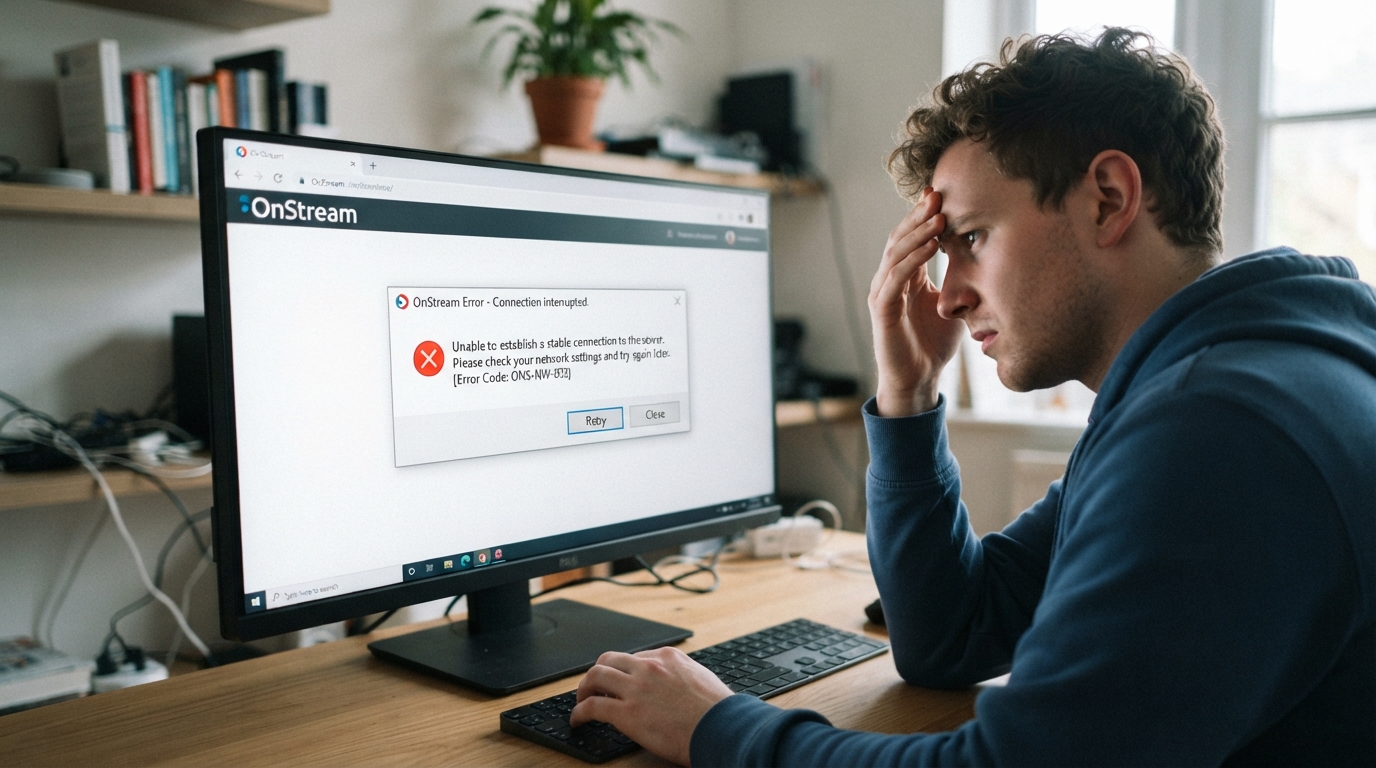
Like any streaming application, OnStream may occasionally experience bugs and glitches that affect performance. Users sometimes report issues such as app crashes, loading screen errors, buffering, subtitle problems, playback failures, or blank screens. Many of these problems are temporary and can be resolved with a few troubleshooting steps, while others may be related to app updates or server-side issues.
This guide covers the most common OnStream bugs and glitches, their possible causes, and practical solutions to help you enjoy a smoother streaming experience.
What Causes Bugs and Glitches in OnStream?
Several factors can lead to unexpected app behavior, including:
- Outdated app versions
- Corrupted cache or app data
- Slow or unstable internet connection
- Temporary server maintenance
- Device compatibility issues
- Low storage space
- Software conflicts
- Installation errors
Identifying the cause is the first step toward resolving the issue.
OnStream Keeps Crashing
One of the most common complaints is that the app crashes immediately after opening or while streaming content.
Possible Causes
- Corrupted installation files
- Outdated app version
- Low device memory
- Software bugs
How to Fix It
- Restart your device.
- Clear the OnStream cache.
- Update to the latest app version.
- Close unnecessary background apps.
- Reinstall the application if the issue continues.
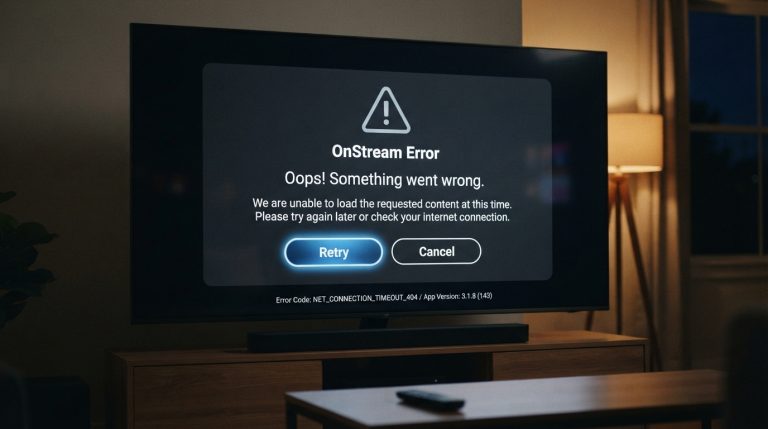
App Stuck on the Loading Screen
Sometimes OnStream opens but never loads the home screen.
Possible Causes
- Poor internet connection
- Server issues
- Corrupted cache
- Temporary software glitch
Solutions
- Check your internet connection.
- Restart the app.
- Clear the cache.
- Restart your device.
- Wait a few minutes if the servers are under maintenance.
Buffering During Playback
Frequent buffering interrupts your viewing experience.
Possible Causes
- Slow internet
- Weak Wi-Fi signal
- Network congestion
- High server traffic
Solutions
- Restart your router.
- Move closer to the Wi-Fi router.
- Pause the video briefly to allow buffering.
- Reduce streaming quality if available.
- Disconnect other devices using the same network.
Playback Errors
You may see messages indicating that a video cannot be played.
Possible Causes
- Temporary server issues
- Damaged app data
- Outdated application
- Network interruptions
Solutions
- Restart the app.
- Update OnStream.
- Clear app data.
- Try playing another title.
- Wait and try again later if the issue is server-related.
Blank or Black Screen
Some users experience a blank or black screen while audio continues playing.
Possible Causes
- Rendering issues
- Corrupted cache
- Software conflicts
Solutions
- Force stop the app.
- Clear cache and app data.
- Restart your device.
- Reinstall the app if needed.
Subtitle Problems
Subtitles may fail to appear or become out of sync.
How to Fix Subtitle Issues
- Refresh the stream.
- Switch subtitle languages if available.
- Restart the app.
- Update to the latest version.
Some titles may not include subtitles, so the issue may be content-specific rather than app-wide.
Search Function Not Working
If search results fail to appear or display incorrect content, the issue may be temporary.
Try these steps:
- Restart the app.
- Check your internet connection.
- Clear the cache.
- Update the app.
- Try searching again after some time.
Login Glitches
Some users experience login failures or authentication errors.
Solutions
- Verify your login credentials.
- Check your internet connection.
- Restart the application.
- Clear cache files.
- Update the app to the latest version.
Download Feature Not Working
Some users have reported that downloads fail or display messages indicating the feature is temporarily unavailable. Community discussions suggest this can occur after app updates or server-side changes rather than because of a problem with your device.
If downloads stop working:
- Ensure you’re using the latest app version.
- Restart the app and your device.
- Check your internet connection.
- Wait for a future app update if the feature is temporarily unavailable.
App Freezing
If OnStream freezes while browsing or streaming:
- Close background apps.
- Free up storage space.
- Restart your device.
- Clear the cache.
- Install the latest app version.
These steps often improve overall performance.
White Screen Error
A white screen usually appears because the app cannot load properly.
To fix it:
- Force stop the app.
- Clear the cache.
- Clear app data.
- Restart your device.
- Open OnStream again.
Compatibility Issues
Older Android devices may not fully support the latest version of OnStream.
If you experience repeated glitches:
- Update your operating system.
- Check available storage.
- Ensure your device meets the app’s minimum requirements.
- Install the latest compatible version.
Keep the App Updated
Developers regularly release updates that fix known bugs, improve stability, and enhance performance. Installing the newest version is one of the easiest ways to resolve recurring glitches.
General Tips to Prevent Bugs
Follow these practices to reduce the chances of encountering problems:
- Keep OnStream updated.
- Use a stable internet connection.
- Restart your device regularly.
- Clear the app cache occasionally.
- Keep sufficient free storage.
- Install Android system updates.
- Close unnecessary background applications.
When the Problem Is Not on Your Device
Sometimes bugs and glitches occur because of temporary server maintenance or issues affecting multiple users. If you’ve already tried the common troubleshooting steps and the app still isn’t working, waiting for a server-side fix or a new app update may be the only solution. Reports from users occasionally show that problems such as loading errors or unavailable features can affect many devices at the same time.
By understanding the most common OnStream bugs and glitches and following the troubleshooting methods above, you can resolve many issues quickly and enjoy a more stable streaming experience on Android phones, Android TV, Firestick, and other compatible devices.